Pr
Adobe
Premiere Pro
Direct timeline auto-cut & word-timed sequence captions.
14 Indian languages. 68 international. One tool.
4.5rating · Trusted by20K+ users
Pick a language. Watch the actual captioned video.
Yaaryevideoekdammastbangaya
Hinglish, Telugish, Tanglish, Kannadish, Manglish, Bengalish, Punjabish, Gujaratish, Marathish, Odish and Urdu captions. Roman letters for every Indian language, native script wherever you want it. Along with Roman, it also supports translation and native captioning!
82
languages supported
14
Indian languages · native script or Roman
1,942
caption fonts · add your own
6+
Pro Plugins & Integrations · Premiere Pro, After Effects, DaVinci Resolve, Final Cut Pro & CapCut
Every card is the real thing, drawn by the same engine that renders your export. In the editor each one animates word by word, in time with what you said. Browse all 65 styles
the whole Google library, plus your own brand font
every word lands on the millisecond it's spoken
export the finished cut, or just the subtitles
It reads your transcript and finds what you would cut by hand. You review, restore, ship.
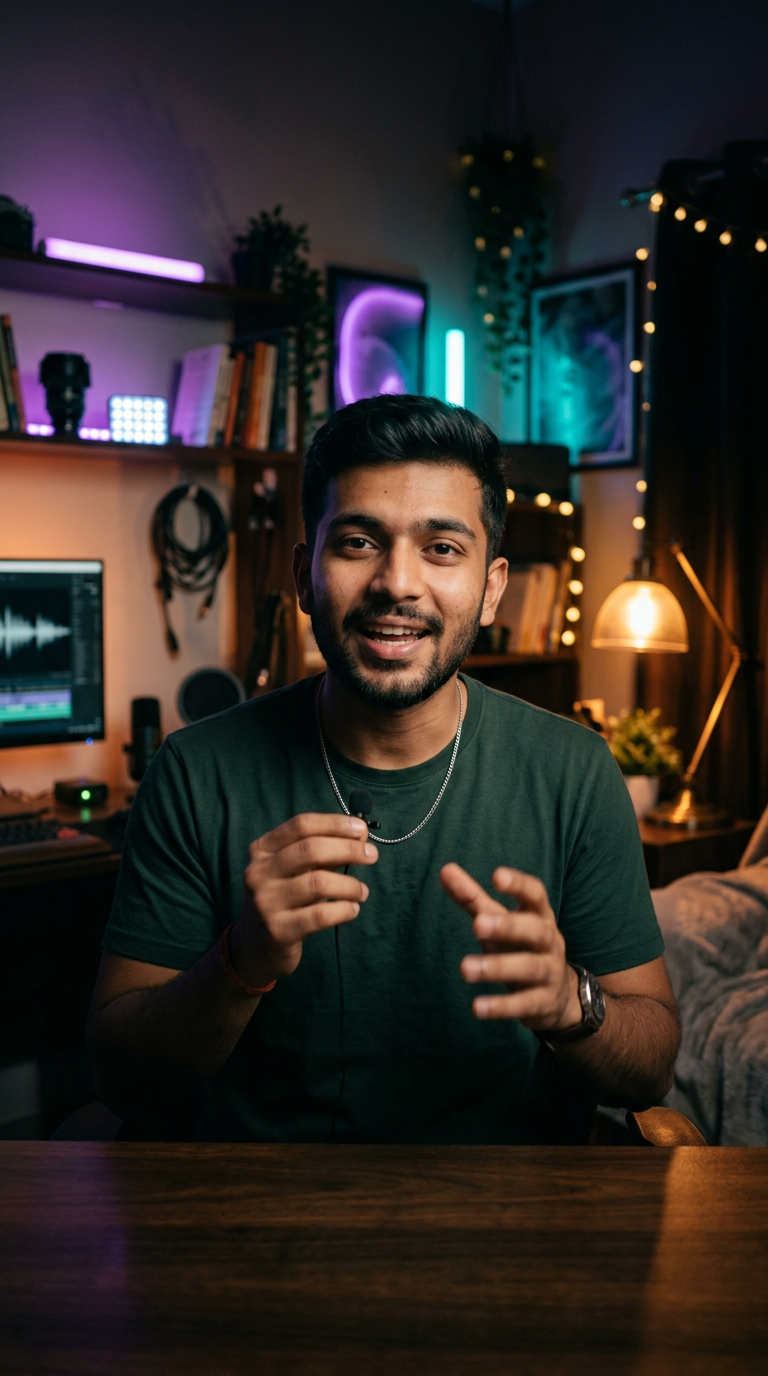
So today I want to show you how I edit a full reel in under ten minutes. First thing, open the timeline and drop your clip in. That’s it.
time saved
1:25 of dead air gone, before you touched the timeline.
Six pro plugins and integrations, one engine, one account. Captions, cuts and polish happen right where you edit.
Adobe
Direct timeline auto-cut & word-timed sequence captions.
Adobe
Fully editable text layers, presets & smooth keyframe rigs.
Blackmagic
Works seamlessly on both Free and Studio versions.
Apple
Native Apple Silicon Title templates & FCPXML sync.
ByteDance
Instant export for fast-paced Reels & Shorts creators.
Built-in
Clean background noise and auto-place emojis/sfx right inside the plugin.
Windows 10 & 11 macOS · Apple Silicon M1–M4
As a non-editor, the interface was very clean and easy to use for generating high-quality captions.
The plugin for Premiere Pro just works, fine af! I'm saving a lot of time at work, thanks MixCut!
I didn't know where to start! This platform is just wholesome for an editor, got everything that's needed.
I have a lyrical page, and captions became so easy in my native language. Now I'm able to upload 2-3 videos a day!
The After Effects plugin is something that's saving me a lot of manual typing work!
I edit podcasts, and the Auto Trim feature is just awesome.
I have a motivational page, the text blend feature is goated.
I edit for international clients, so captioning Japanese became very easy!
The translation feature is just so perfect!
Love the UI/UX! Easy to understand and beginner friendly!
Seriously, this is the tool I always wanted! Thank you! Pricing is so generous compared to other platforms.
Start free with zero commitment. Unlock pro minutes only when you scale.
Yes. There's a real free plan, no card. Paid plans start small when you need more caption minutes.